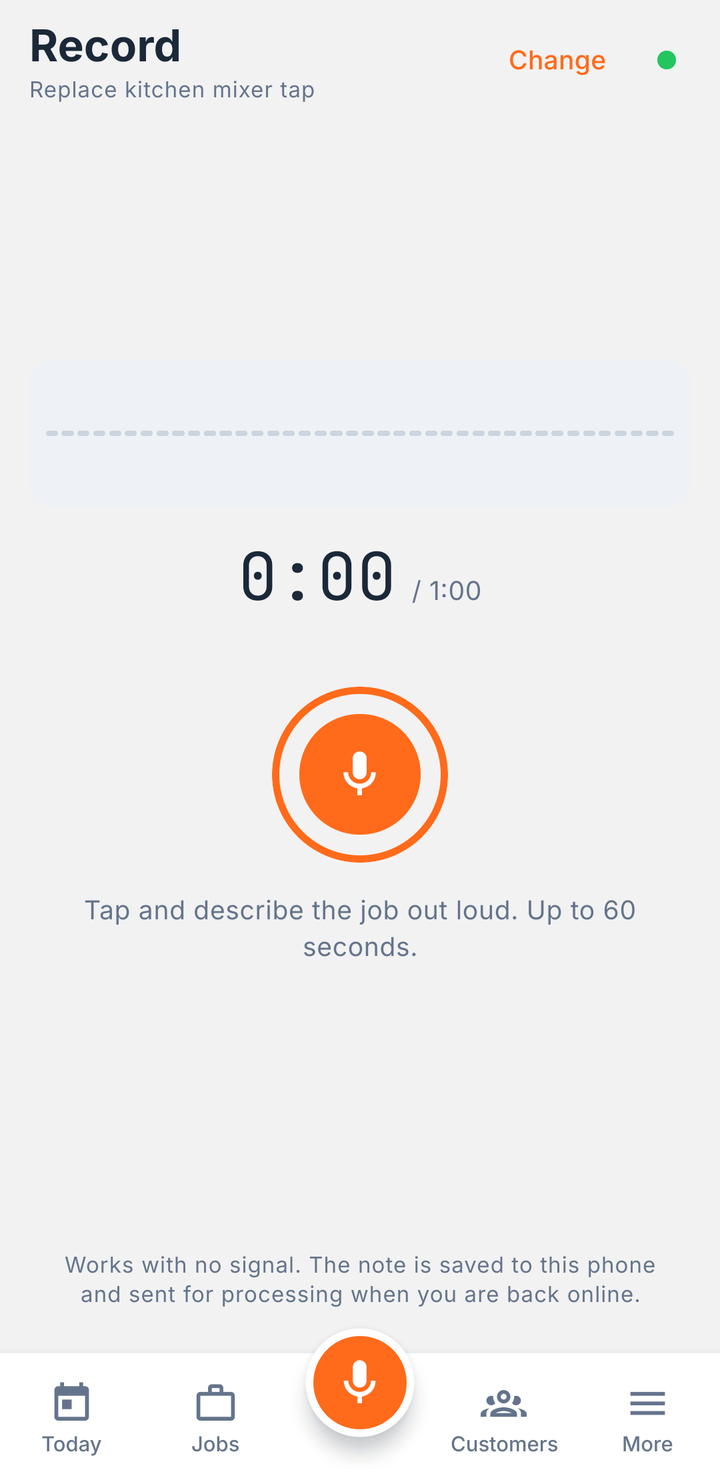
Talk for thirty seconds. Get the write-up.
Say what you did, in your own words. You get a report with your logo on it, ready to send to the customer.
Speak the job. We scribe the rest.
One voice note becomes a branded report, a draft invoice, and a list of work worth quoting.
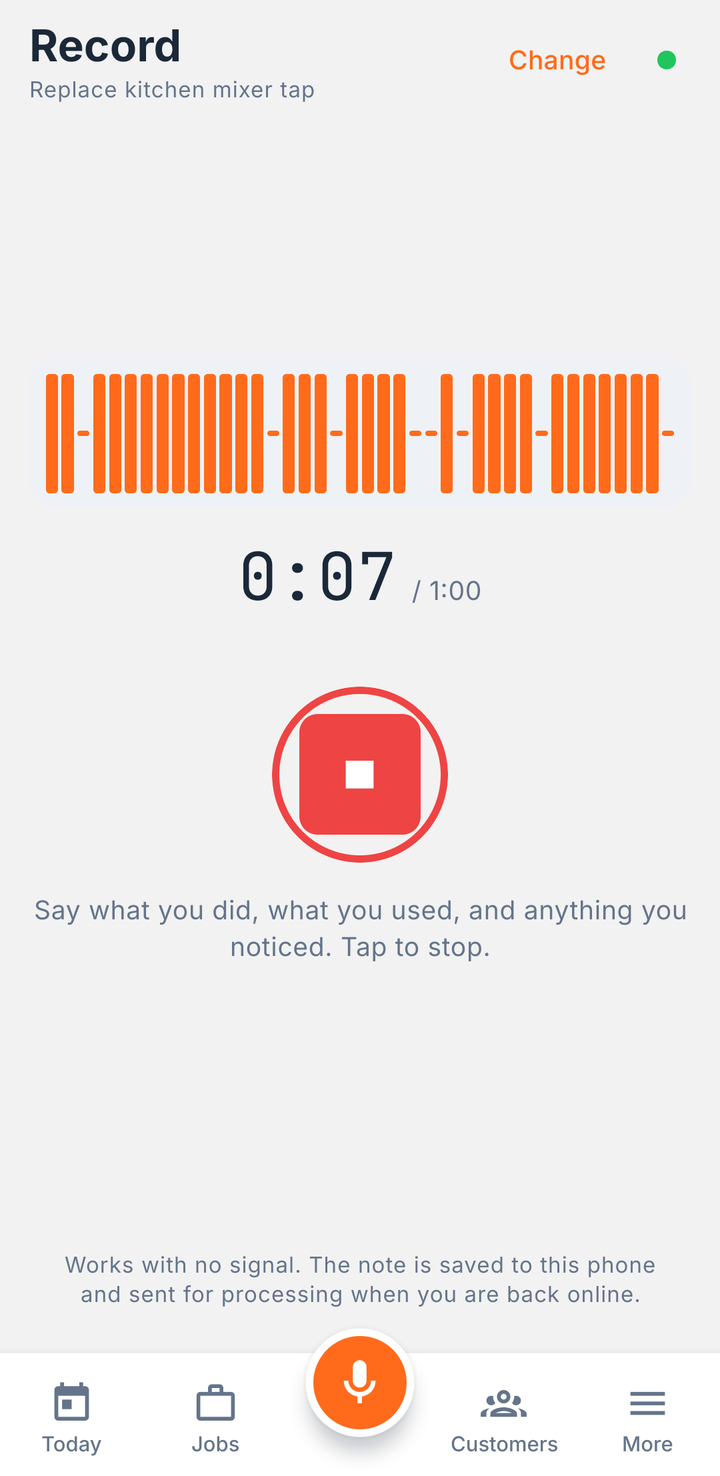
Tap record and say what you did, what you used, and anything you spotted. Up to a minute. Add a photo or two while you are there.
The summary, the report, the prices and the invoice are all editable. Fix anything that is off. You were the one on site, so you get the last word.
The report goes out by text, email or share sheet, from your number. The invoice follows. Tap "Mark as paid" when the money lands.
Your logo, your colours, your prices. The report below was written from a single voice note. Nothing in it was typed.
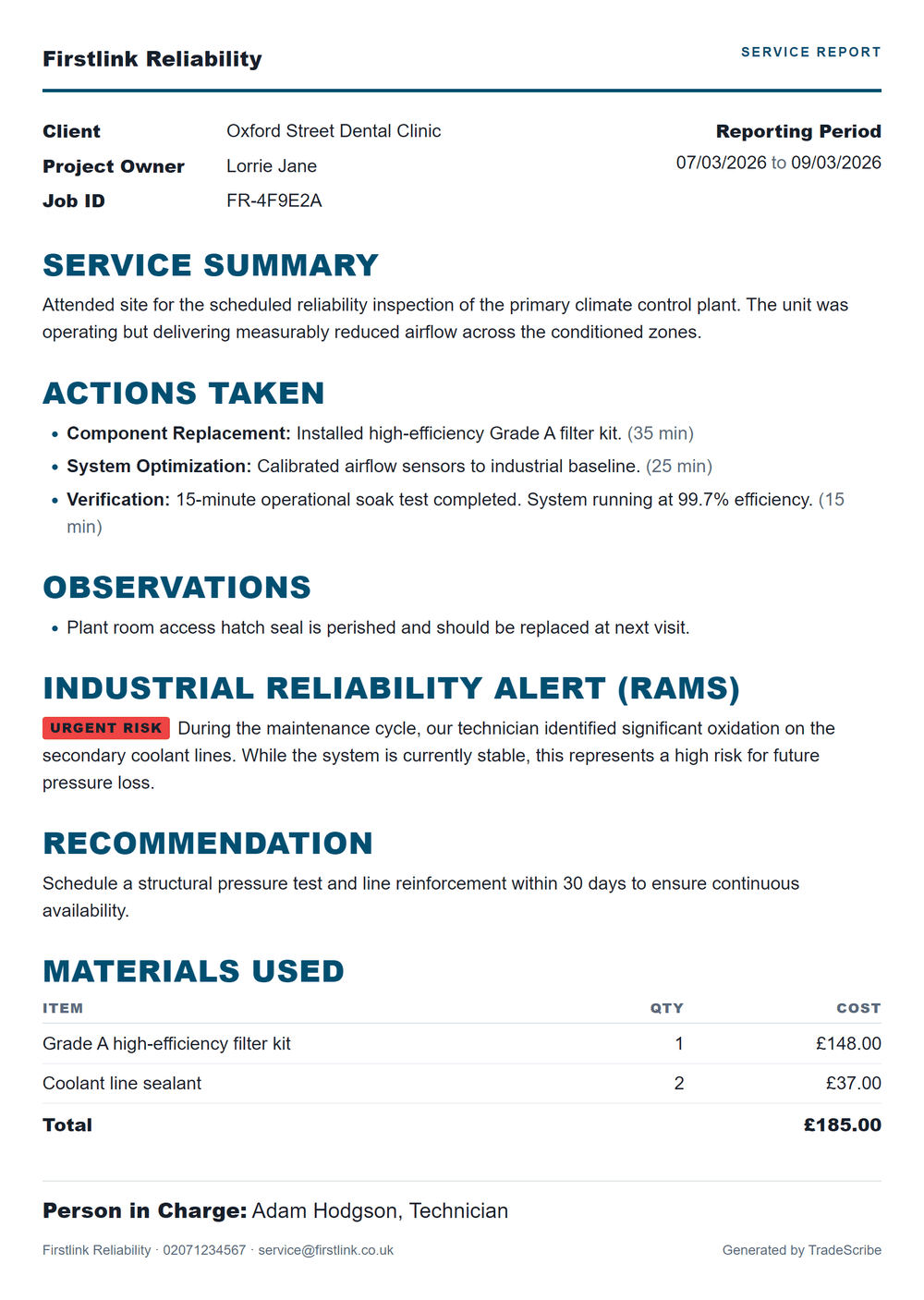
Say what you did, in your own words. You get a report with your logo on it, ready to send to the customer.
Mentioned the corroded supply lines in passing? It puts them on a list with a rough price, so you remember to quote them.
Record, add photos, write a quote with no bars. The phone holds it all. The report lands once you have signal again.
$19.99 a month for one tradesperson, everything included. Your first three jobs are free, so you can try it before you pay. Cancel any time.
Pricing
Prices in USD. Google Play charges in your local currency, so the figure in the store may differ. Paying yearly costs ten months instead of twelve.
$0
Your first three jobs
Reports, invoices, branded PDFs and the revenue view, all included. Three jobs in total, not three a month — after the third, new jobs need Pro. Everything you have already made stays yours to open, edit and invoice.
Get it on Google Play$19.99/mo
Unlimited jobs, one person
The whole app with the job limit removed. $199.90 a year if you pay yearly.
Get it on Google PlayWorking with a mate or running several vans? Multi-person plans are being built. Get the app and we will tell you when they land.
It will, sometimes. It writes from what it heard, so a mumbled word can come back as the wrong part. That is why nothing sends on its own. You read the report, edit any line of it, and it only leaves your phone when you press send. If a recording came out badly, delete it and record again.
The app does. Recording, photos, job notes, quotes and invoices all work with no bars, saved on the handset. The report itself is written on our servers, so that part needs signal. It queues up and lands as soon as you are back in range, and you get a notification when it is ready.
Your jobs and customer list sit in your own account and are locked to your business. Nobody else using TradeScribe can see them. To write your report, the recording and the job details go to two outside services, one that turns the audio into text and one that writes the report. TradeScribe never contacts your customers and does not sell your data.
One thing that is not covered by “no other user can see them”, because a person holding a link is not a user: when you text a report or an invoice, the document is uploaded and the text carries a link to it. Anyone with that link can open the document in a browser with no account, so forwarding the text forwards the report. The address is unguessable, not password-protected, and the difference matters. You can kill a link, and killing it works straight away — but it cannot take back a copy someone already saved. The full version is in the privacy policy.
Yes, in the Google Play Store, the same place you cancel anything else on your phone. Cancelling stops the next renewal and you keep your plan until the end of the period you have paid for. There is no notice period and nobody to phone.
No, and that is deliberate. Invoices are documents you send. You take the money the way you take it now, cash, bank transfer, cheque or your own card machine, then tap "Mark as paid" and pick how it was paid. TradeScribe never touches your money and takes nothing off the top.
No. They open in your own texting app or email app, with the message already written, and go from your number. Your customer sees you, not a shortcode they do not recognise, and replies come back to you. The honest limit: because it is your phone sending, we cannot tell you whether a message was delivered.
An email carries the PDF itself. A text cannot — no text message can — so a text carries a link instead, and the document is uploaded when you press send so the link has something to point at. Your customer taps it and reads the report in their browser with no account and no app. Anyone they forward it to can read it too, so send it to the person it is about. Texting the same document again replaces the old link and stops it working.
Your first three jobs are free. No card needed to start.